No more "Where's my ID Card?"

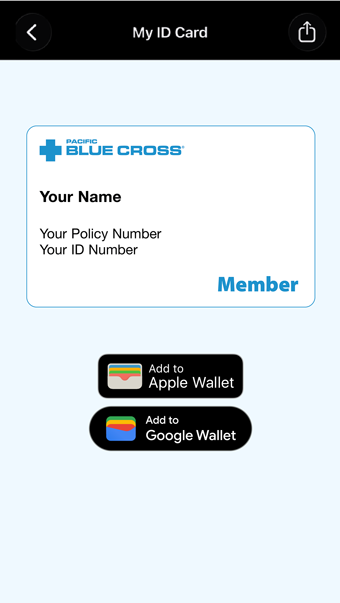
Pacific Blue Cross member ID cards can now live in Apple and Google Wallet – putting your policy and ID numbers just a tap away at the pharmacy counter or dentist appointment.

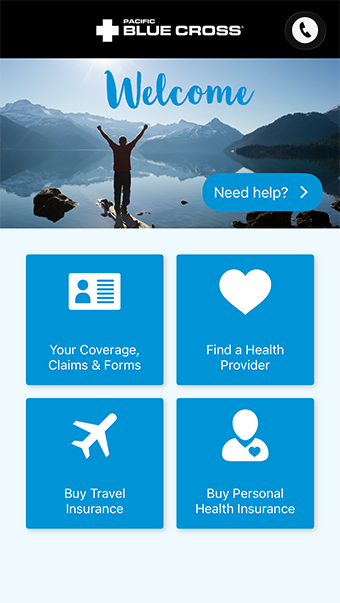
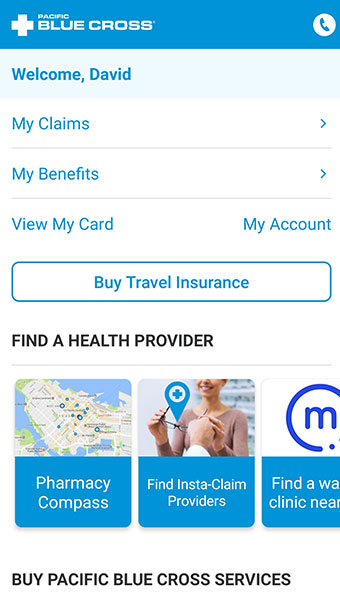
It’s the latest way the Pacific Blue Cross Mobile app makes it easier to use your health benefits. Manage more of your plan from your phone:

  • Submit claims
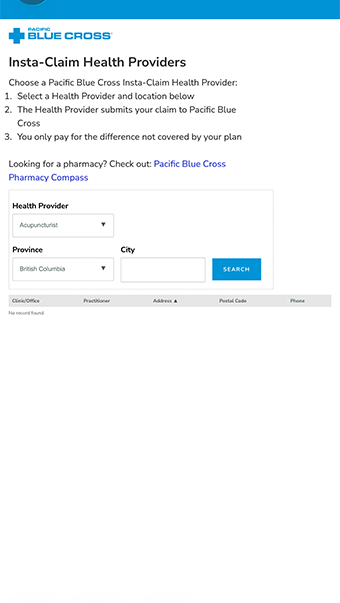
  • Find direct billing
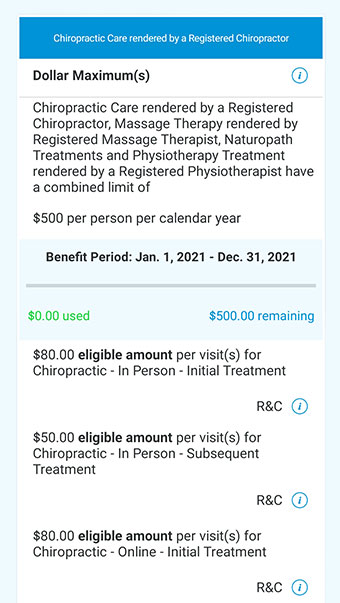
  • Check coverage
  • Compare drug costs

Add your Member Card to your Google or Apple Wallet

1

Open the app

Download Pacific Blue Cross Mobile and log in with your Member Profile details (or sign up in minutes).

2

Find your member ID card

Sign-in and select View My Card

3

Add it to your mobile wallet

Save it once and it’ll be there when you need care.

Claim in under a minute

Snap a photo of your receipt, submit, done – no forms, no mailing.

Your ID card in your Apple or Google wallet

No more digging for your card at appointments – add it and it’s there when you need care.

Know what’s left before you book

Check remaining massage, physio, or dental coverage in a few taps.

Skip paying up front

Find Insta-Claim providers who bills us directly at the counter.

Pay less at the pharmacy

Compare drug prices and find a preferred pharmacy near you.

Travel coverage for 10% off

Members get 10% off travel insurance, bought right in the app.