
6.4 Set Up Direct Deposit
How to Set Up Direct Deposit
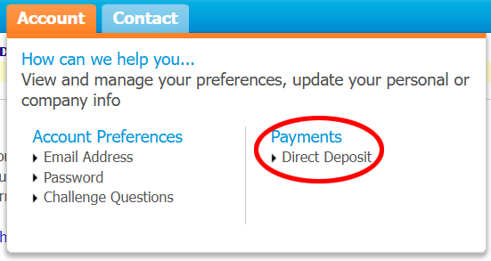
Step 1: Navigate to "Account"
Navigate to the Account tab menu option and select Payments > Direct Deposit
Step 2: Complete Fields
Select Update Direct Deposit Info and follow the prompts to add your business’ banking information and complete the fields.
Step 3: Review & Save
Review and click Save