
7.2.9 Claim Statements
Once you sign up for direct deposit, you will automatically receive electronic statements. An email will be sent to the Primary Account Access holder's email address to advise you when the Claim statement is ready to view in PROVIDERnet.
To Access Your Claim Statement
Navigate to Statements
Click on the Claims tab, then click Claim Statements.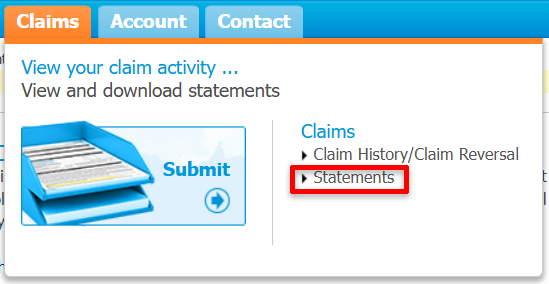
Search by Date
Use the Published date range to search and then click Retrieve.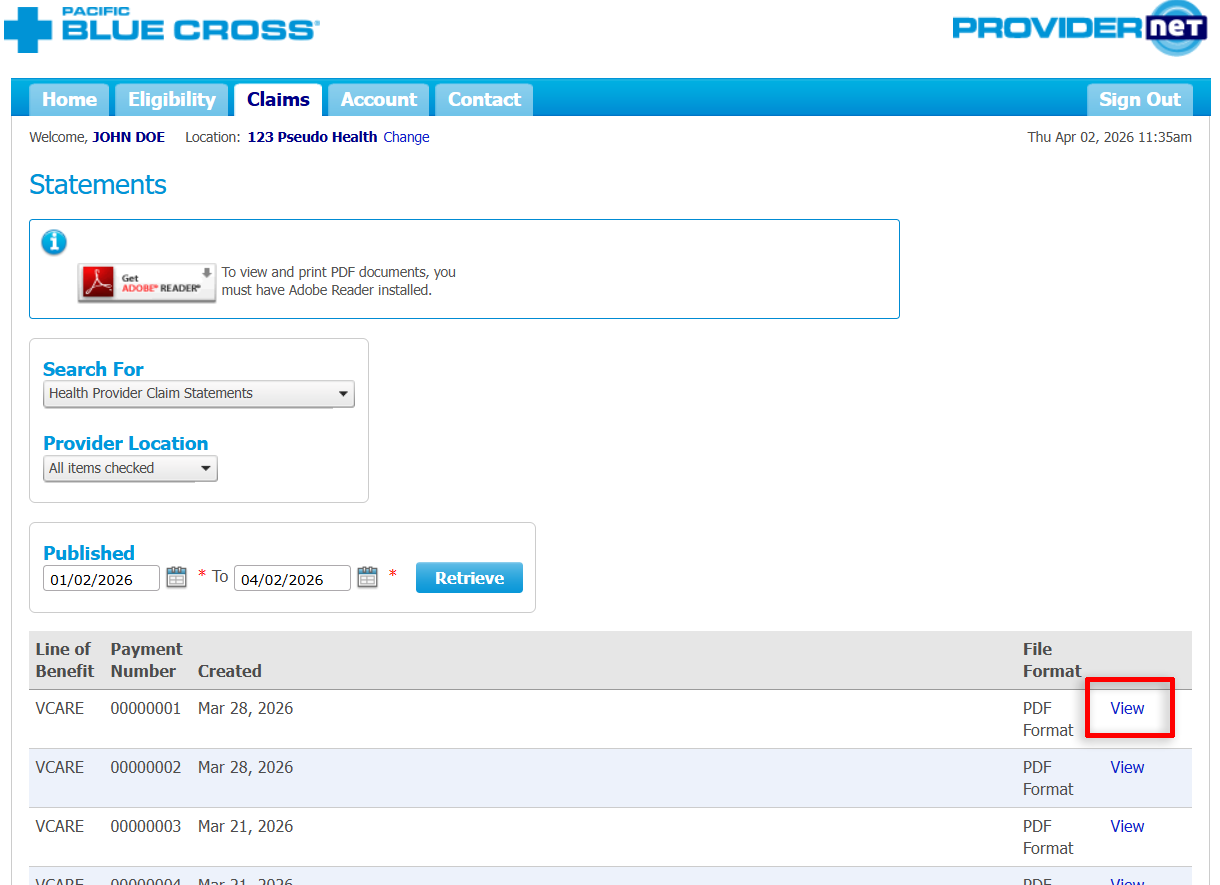
View Statement
Click View to open the PDF Claim statement.